
A practical starting point for business automation
Find the repetitive work worth improving and map a clearer path from manual tasks to connected workflows.
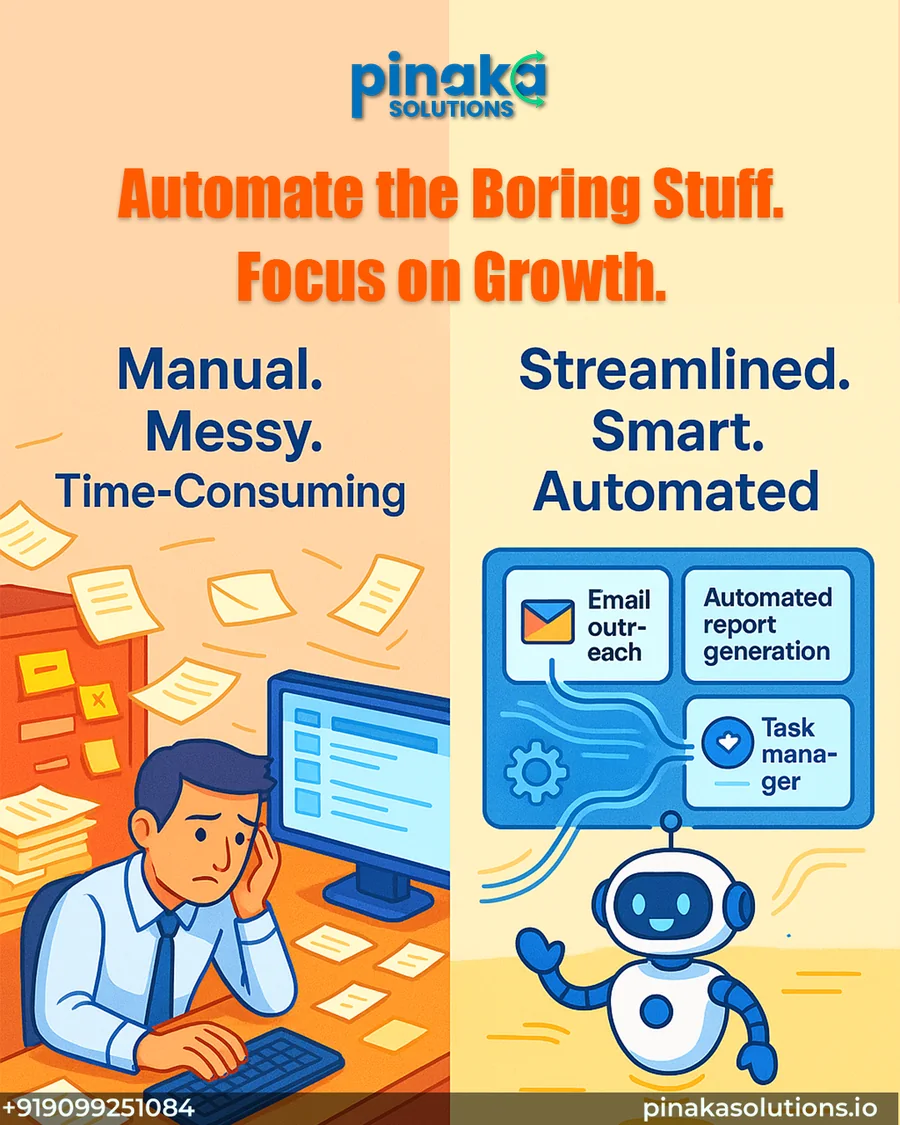
This is sample editorial content and can be replaced with an approved article.
Automation starts with understanding how work gets done today. Look for recurring steps that rely on copying information, sending reminders, or moving updates between tools.
Map the people, inputs and decisions involved before choosing a solution. A small, well-defined workflow gives a team an opportunity to learn and refine the process before expanding it.
Keep people involved where judgment matters, and review the results regularly so the workflow continues to serve the business.
What business automation means
Business automation uses software to carry out defined steps in a process, such as sending a notification when a form is submitted or moving an approved record into another system. It can follow simple rules or use AI to assist with tasks that require interpretation. People still set the rules, handle exceptions and make decisions that need judgment.
Common candidates include copying contact details between tools, assigning incoming inquiries, preparing recurring reports, sending payment reminders and updating the status of an order. The aim is a more consistent process, with less unnecessary manual handling.
Find a useful place to start
Ask the people doing the work which tasks recur, where information is entered more than once and where work often waits for a handoff. Map the trigger, each step, the systems involved and the desired outcome. Note the exceptions as carefully as the usual path.
A good first candidate has a clear owner, a predictable trigger and a manageable number of variations. Compare its business impact with the effort needed to change it; an important process may need more preparation if its data is inconsistent or its rules are unclear.
Example: following up on a new inquiry
Imagine a small service business receives inquiries through a website form. A suitable workflow could create a contact in its customer management tool, notify the appropriate team member and schedule a follow-up task. A person can review incomplete or unusual inquiries before responding.
Before building the workflow, the team should agree which fields are required, how duplicate contacts are handled and who receives an alert if a transfer fails. The available connection methods and permissions will depend on the tools involved.
Plan for a reliable rollout
Test the normal path alongside missing information, duplicates and unavailable systems. Assign someone to monitor failures and give the team a way to correct or retry an item. Protect sensitive information by limiting access to what the workflow needs.
A common mistake is automating an unclear process too early. Other pitfalls include assuming every case is identical, omitting a human review step and judging success only by whether the software runs. Start small and review whether the workflow actually helps the people using it.
- Document the trigger, owner and expected outcome.
- Agree how exceptions and failed steps will be handled.
- Compare a practical measure, such as follow-up completion, before and after the change.
Key takeaway
Start with a defined, repeatable task and improve it with the people who do the work. Clear rules, careful testing and an agreed way to handle exceptions are as important as the automation itself.